Will AimGrips Fit My Mouse?
Search your mouse model and see fit confidence, recommended texture, and placement notes.
Showing 1–6 of 28 mice
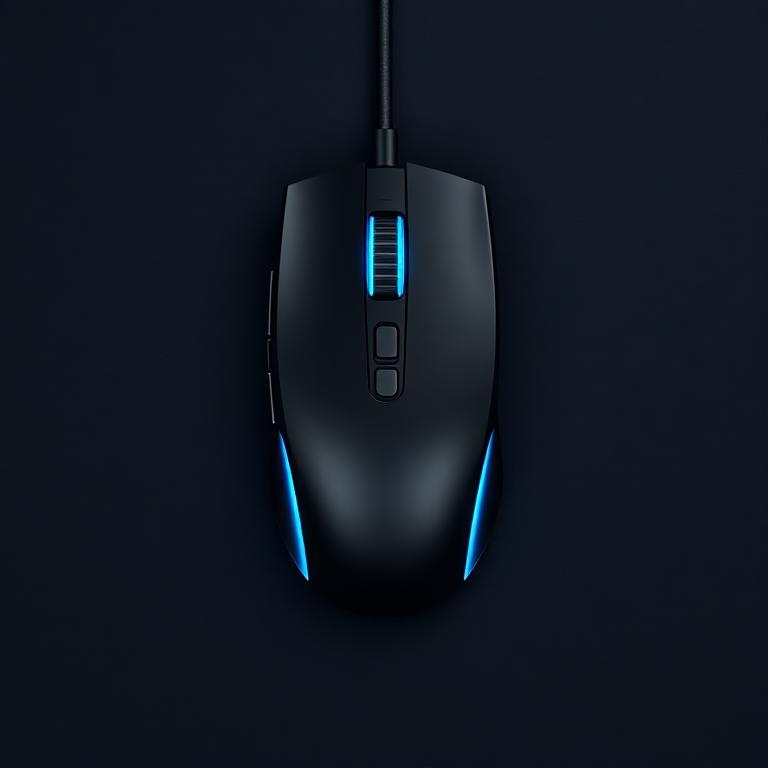
Logitech
G Pro X Superlight 2
Works well with standard AimGrips placement. Trim only if you want a more exact edge fit.
Choose your grip
Logitech
G Pro Wireless
Symmetrical shape pairs cleanly with standard placement on both side panels.
Choose your grip
Logitech
G305 Lightspeed
Great budget pairing. Side panels take grips well; minor trim on the rear hump if desired.
Choose your grip
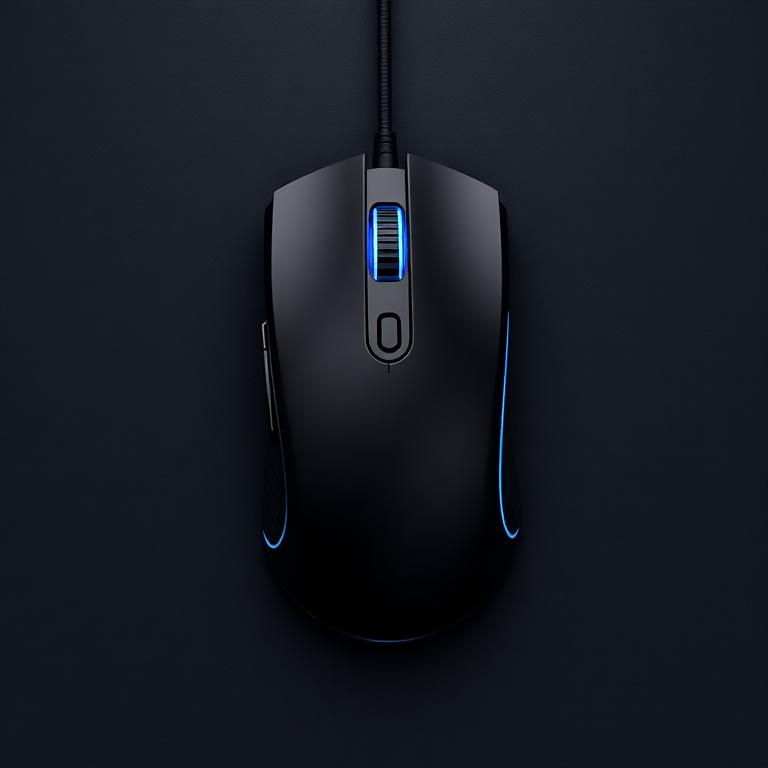
Logitech
G502 X
Larger ergo shape benefits from light trimming around the thumb rest and button cutouts.
Choose your grip
Logitech
G502 Lightspeed
Trim around the contoured thumb area for an exact fit on this heavier ergo shape.
Choose your grip
Logitech
G703
Ergo curves take side grips well. Press edges firmly along the contour.
Choose your grip
AimGrips use a universal performance fit with a pre-cut contact point system that's trim-friendly for unique mouse shapes. They fit most conventional gaming mice — trim only for an exact edge fit.
Mouse Not Listed? We'll Cut A Custom Set.
If your mouse isn't in our database, send us the details and we'll cut a custom AimGrips set shaped to your exact mouse. Just share your brand, model, and a photo so we can map the contact points.
See Where AimGrips Lock You In.
Explore the contact points that keep your hand planted.
Tap a zone to see how AimGrips lock you in.
Left Side / Thumb Zone
Your thumb anchors the mouse during flicks and lift-offs. Adding grip here helps reduce side-slip and lets you use less pressure.
- Pad placement
- Side panel grip
- HexCore vs ZeroSlip
- HexCore for sweat-prone thumbs · ZeroSlip for max lock-in.